Installation
This page covers the software you'll need to interact with the Behavior board, as well as how to update the firmware on the device.
Software Packages
These steps are only required the first time you connect the device to a new computer, and you can install just the packages for the functionality you need.
Bonsai is a visual reactive programming language that provides flexible and comprehensive control of the Behavior board.
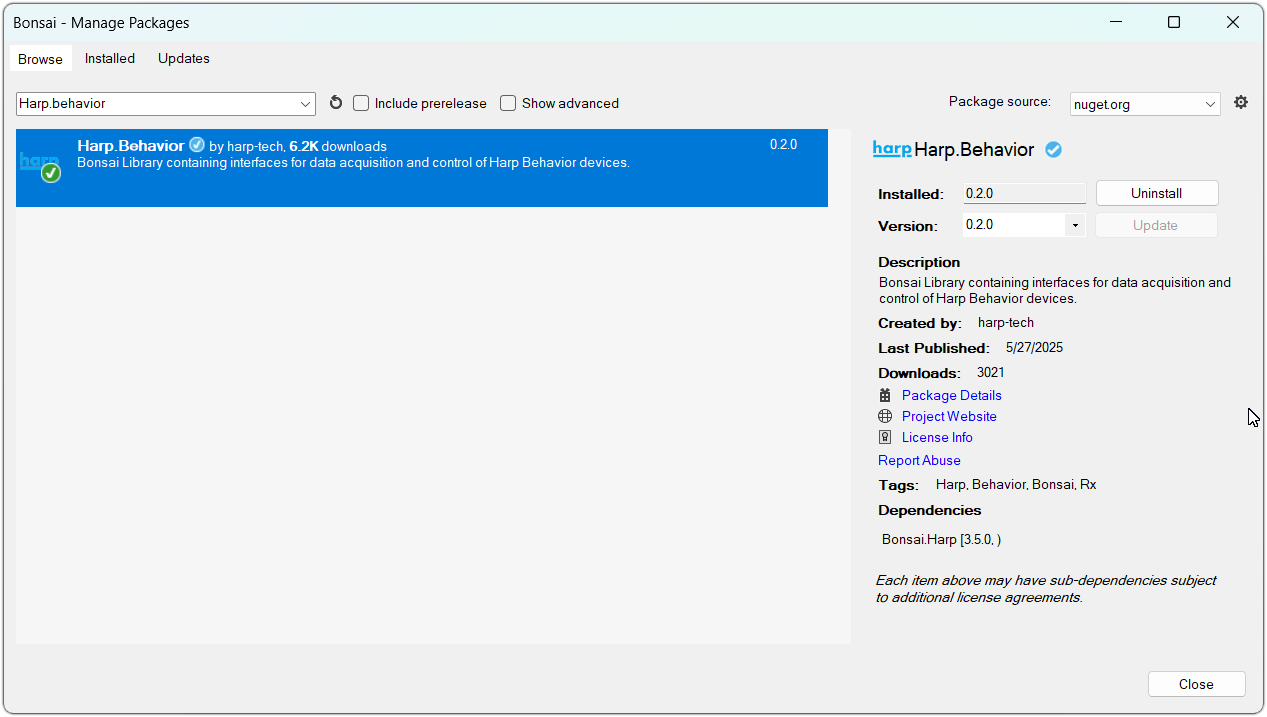
- Download and install Bonsai.
- Launch Bonsai and install the
Harp.Behaviorpackage by searching for it in the Bonsai package manager. - (Optional) Install the
Bonsai.Windows.Inputpackage to follow along with the examples in this user guide.
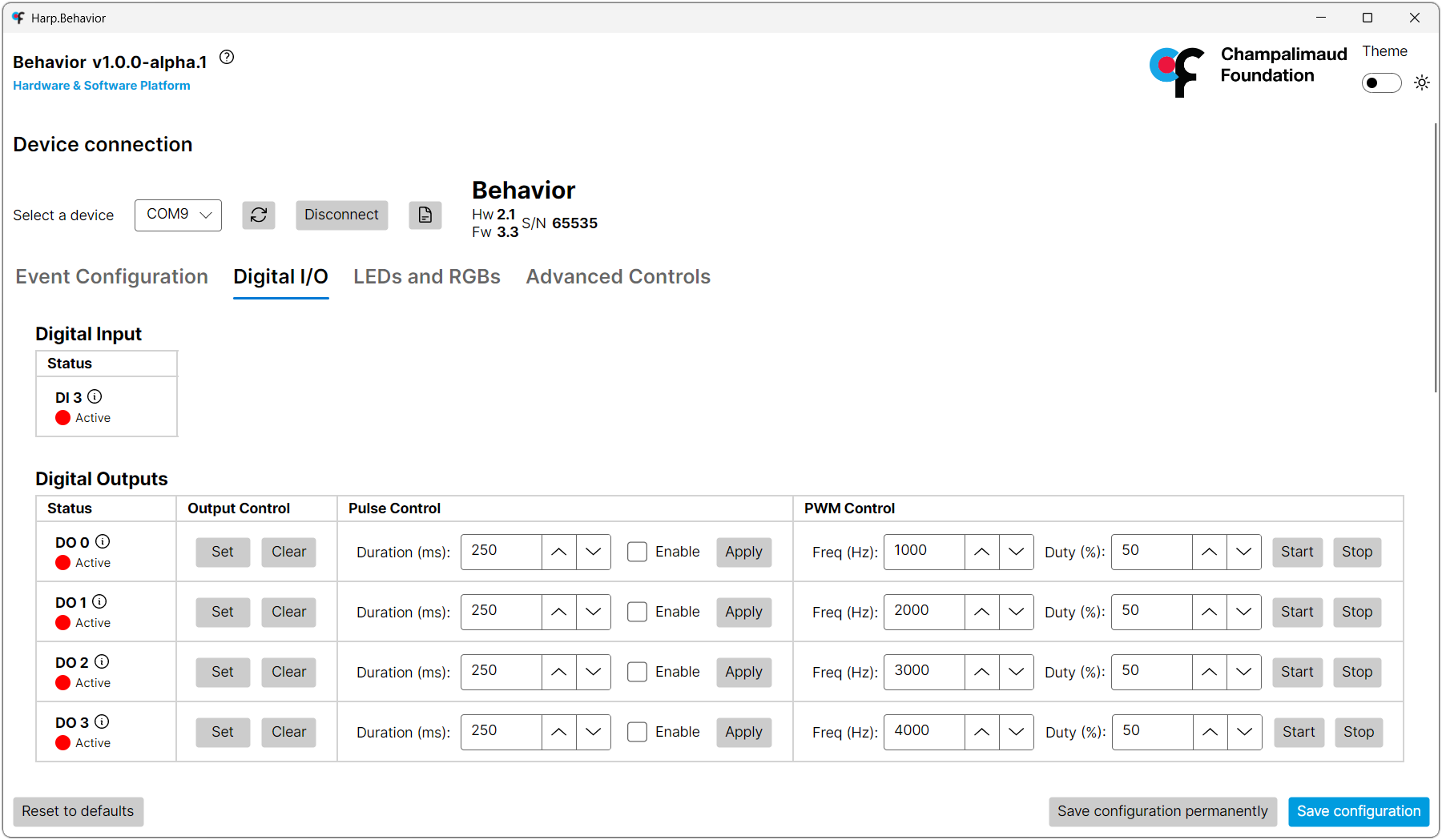
Firmware Update
New features are added and bugs are fixed with firmware updates which are published on the release page in the device GitHub repository. Each release contains a .hex file tagged with the firmware (fw) and hardware (hw) version. For instance, Behavior-fw3.3-harp1.15-hw2.1-ass0.hex is firmware v3.3 for a hardware v2.1 Behavior board. Download the latest firmware version that matches the hardware version of the board from the "Assets" section under each release.
Tip
The hardware version is printed on the PCB silkscreen (e.g. harp behavior v2.1).
To update the firmware, use the device setup tool in Bonsai:
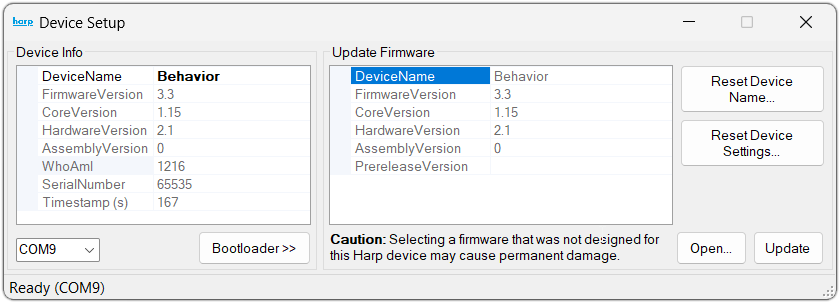
- Add the
Deviceoperator in Bonsai. - Double-click on the
Devicenode while the workflow is not running. - Select the COM port for the device.
- Click "Bootloader".
- Click "Open".
- Select the downloaded
.hexfile. - Click "Update".
After the update, the device will reboot with the new firmware.
Last updated with:
Hardware v2.1
Firmware v3.3
Bonsai Package v0.2